A Restore Failed the One Day It Mattered
The job said success every night for a year. Nobody had ever booted from it.
Here every new recovery point boots in isolation before anyone needs it, and you keep the screenshot.
See the Proof
Every new recovery point boots in isolation, and you keep the screenshot. It runs on hardware you already own, so there's no box to rent. When a server dies, it's back locally in minutes.
Pick yours. Here's what it costs you, and how it ends.
The job said success every night for a year. Nobody had ever booted from it.
Here every new recovery point boots in isolation before anyone needs it, and you keep the screenshot.
See the ProofNew box, new lease, and the commitment starts all over again.
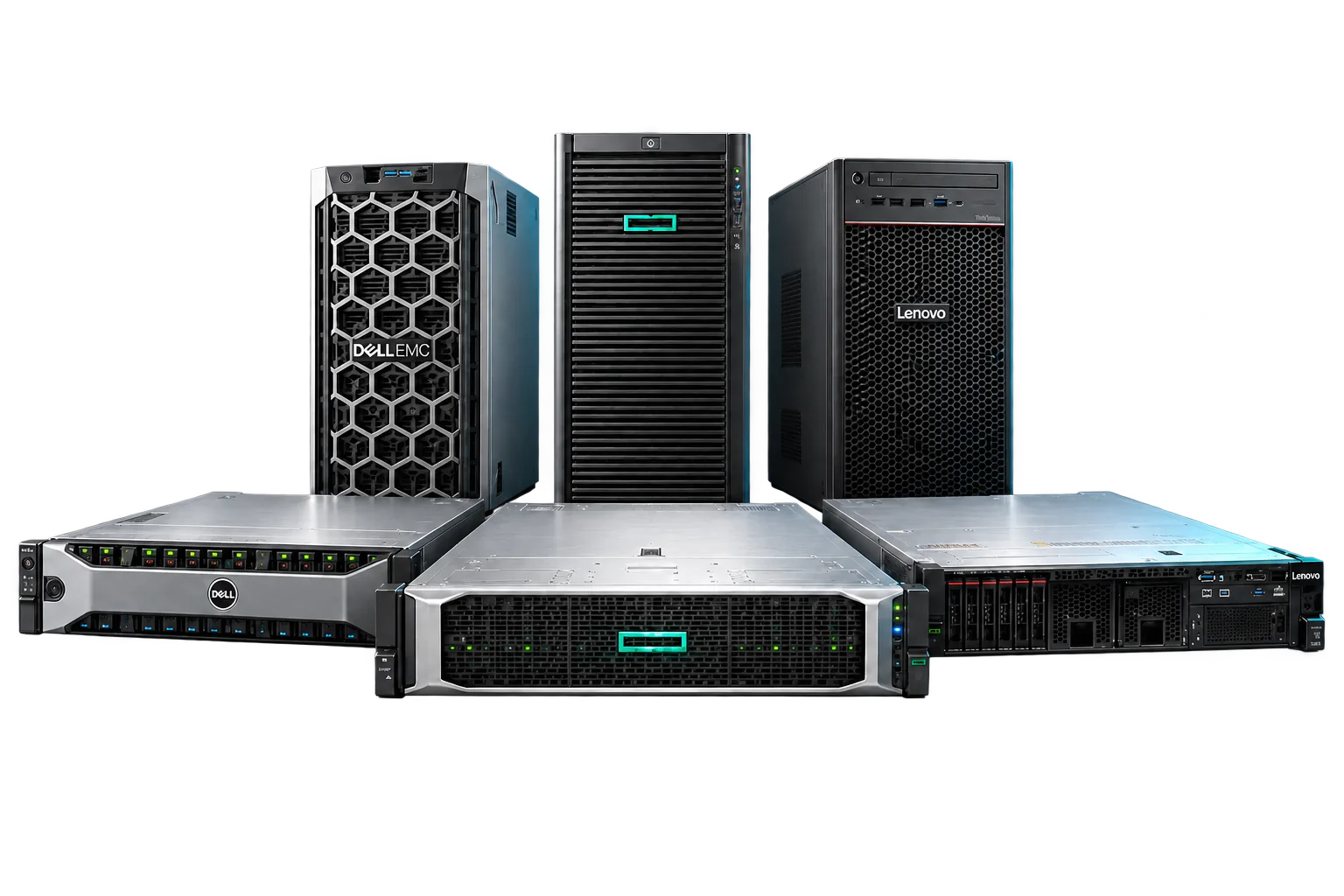
Here BCDR runs on hardware you or your client already own. No appliance licence. Nothing recurring per box.
EnterProtect vs DattoA green check isn't evidence of a tested backup.
Here every DR test records what booted, how long it took and what failed, and updates the client's DR document, ready to hand over.
Take the Proof ScorecardThe quote said all-in. Then came the continuity add-on, the plan fee and the overage.
Here continuity is in both plans, there is no plan fee, and 1 TB a server is pooled across your whole book, with a warning before any overage.
Your client asks how long. The honest answer depends on something nobody checked: whether last night’s recovery point actually boots. A finished backup job proves the data moved. Nothing else. And ransomware goes looking for the backups first.
So the question isn't whether your clients need BCDR. It's whether yours has already proven it boots.
A green check proves a job ran. Here’s what proves a server comes back.
Three checks, shown separately: it was captured, it reached the cloud, it booted. A point that uploaded and never booted shows as a gap. Never green.
From a machine on your shelf to a restore your client has watched.
Boot our signed installer from USB on any machine that meets the minimums, or in a VM, and claim it with a one-time code. No shell, no inbound port.
One signed, silent installer for Windows and Linux, or agentless for VMware and Hyper-V. Accept the recommended policy and it starts protecting.
Boot a test copy in isolation any afternoon and hand them the report. Their DR document updates itself.
From a machine on the shelf to a server running again, and the report you hand the client.
Video Coming Soon
That's list, the price you sell at. Your own price is lower, and the calculator shows it in a minute.
Image backup, every-point boot verification, local and cloud recovery, bare metal, DR testing and continuity, with 1 TB a server pooled across your book.
Gets a client's servers back, locally in minutes or in our cloud when the building is gone.
Everything in Essential, plus second-site replication, powered-off standby VMs, legal holds and DR evidence packs, with 2 TB a server pooled.
Keeps a client running at their own second office when the main one is lost.
Tell us what you protect. Your price shows on screen, and the full pricing comes to your inbox as a PDF.
Every row dated and sourced, including where they’re stronger.
Something we haven't answered? A person reads every message.
No. We never sell hardware and charge no appliance licence. The appliance is our signed software on any x86-64 Intel or AMD machine with hardware virtualization, internet access and two separate drives, or a VM with two virtual disks. Hardware you or your client already own qualifies.
Because it already has. Every new recovery point is checked, mounted and booted on a private network with no route to production, and the boot leaves a screenshot and a heartbeat. A point still waiting shows as awaiting verification, with its age.
You lose recovery time, not data. The appliance's cloud credential can only add backups, never delete them or shorten retention, and you can revoke it from the console without the appliance. The immutable cloud copy stays out of reach.
Yes. A machine can back up straight to our cloud, with every new point boot-verified there. You give up local instant recovery. New backups pause while the client's internet is down; existing cloud points stay available and immutable.
No, on purpose. The immutable copy exists to survive a stolen login, and storage your team administers can be emptied by whoever holds your admin credentials. A NAS, or the client's second site on Complete, holds an extra copy you control.
Included in both plans. No add-on, no plan fee. Running servers in our recovery cloud, for a test or a real disaster, bills per minute of running time, and the console shows the rate before it starts anything.
In EnterProtect's own recovery cloud, on servers we own, so a recovery point boots straight from the backup. Recovery into Azure or AWS isn't offered.
Yes, on Complete. Put an appliance at each site and replicate between them. If the main office is lost, the servers run at the second site. The second appliance carries no licence and nothing recurring.
Yes, after up to 72 hours of grace and a notice sent outside the console. Recovery of every point already captured keeps working, and no immutable copy is shortened.
Per protected machine per month, month to month. A machine is one charge however many disks it has, and renaming it or reinstalling the agent never creates a second charge. Test and continuity VMs are never billed as extra machines.
No. BCDR protects Windows and Linux. Apple Silicon Macs are covered file by file by EnterProtect File Backup.
EnterProtect BCDR is backup and disaster recovery for MSPs. It runs on hardware you or your client already own, boots every new recovery point in isolation to prove it works, and brings a failed server back locally in minutes.
Join the waitlist before BCDR launches and get the Founding Partner Rate.
It closes the day BCDR launches.
Loading the current public count…
Every new point booted before anyone needs it. No box to rent. No term that restarts. And these promises, in writing.