
Back Up What Matters,Not the Whole Server


Protect the database, the shares and the laptop at a file price, not an image price. Every point is read back through the real restore path, so you know it comes back. One charge per machine, however many sets.

  • SQL Server, Exchange and System State, at a file price
  • One charge per machine, however many sets
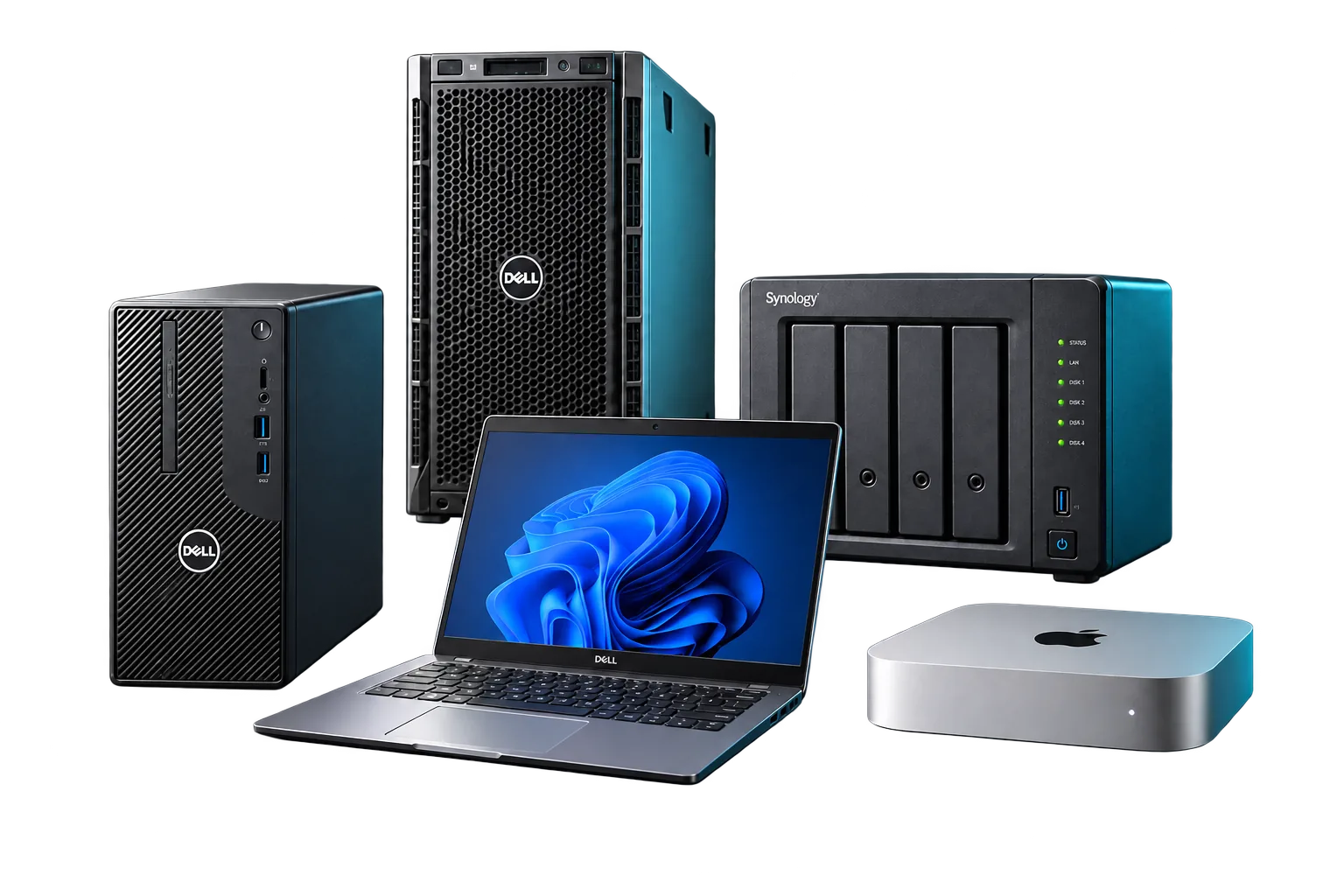
  • Windows, Linux, Apple Silicon Macs and NAS shares

The Gap Shows Up During the Restore

Pick yours. Here's what it costs you, and how it ends.

The Database Came Back, and It Won't Mount

The backup copied live database files, so it handed back a database that was never consistent.

Here each engine's own backup method does the work, and a database is proven by restoring it in isolation and asking it a query.

See the Proof

You're Paying an Image Price to Protect One Database

The operating system is disposable. The SQL instance and the shares aren't, and imaging the whole server costs more than it should.

Here you protect only SQL Server, Exchange or System State, at a file price, with one charge per machine however many sets.

The Synced Folder Came Back Encrypted

Sync copies whatever changed, the ransomware's work included.

Here versions sit under locks a compromised server can't shorten, so you restore from before it started.

What Is an Immutable Backup?

You're Not Sure It Covers the Odd One Out

A NAS share, a domain controller, a Mac, a database somebody stood up on a Tuesday.

Windows, Linux, Apple Silicon Macs, Synology and QNAP, SQL Server, Exchange and System State, each its own set with its own schedule.

Get the Datasheets

The Gap Is in the System Nobody Listed

Every client has one.

  • The share that moved
  • The laptop holding the only copy
  • The database somebody stood up on a Tuesday

Imaging each one costs more than it's worth, so it gets a script, a sync job or nothing at all. Then the restore comes. A live database copied mid-write comes back corrupt. A synced folder comes back encrypted.

So the question isn't whether every machine needs an image. It's whether the parts that matter come back, and whether you can prove it.

Back Up the Part That Matters. Pay for That Part.

Copying files is easy. Paying only for what matters, and proving it comes back, is the point.

A File Price, Not an Image Price

Protect only the SQL Server instance, Exchange or a domain controller's System State, and pay a file price instead of imaging the whole server.

One Charge Per Machine

Files, shares, SQL Server and System State on one server are separate sets, each with its own schedule, sharing that machine’s one charge.

Databases Proven by a Query

A point is application-consistent only when every writer succeeded, and it’s proven by restoring the database in isolation and asking it a query.

Another Backup's Logs, Left Alone

File Backup spots the other backup products on a machine at every capture, and never truncates a log chain it doesn’t own.

Restores That Never Overwrite by Surprise

Search by name, path, owner or date, then restore to a new location by default. Restores resume, and one failed file never restarts a million-file job.

Every Point Read Back, Not Just Uploaded

Every point gets a signed manifest and a sample pulled through the real restore path. The console shows which of six checks each point has passed, up to a full test restore.

Two Decisions. Then It Runs.

Where the backups go, and credentials for any application that needs them. That's it for most servers.

  1. 01

    Install the Agent

    Push the same signed, silent agent BCDR uses through your RMM, or install the native package on a Synology or QNAP. No tray icon, nothing for anyone to switch off.

  2. 02

    Accept the Profile It Recommends

    It finds the files, System State and applications on the machine and recommends a set for each. Pick the appliance or the cloud, and add credentials where needed.

  3. 03

    Watch the First Point Verify

    Every set publishes a verified first point. Restore a test file in front of the client, so they see the round trip.

Watch a Database Come Back and Answer a Query

From one server's agent to a database restored in isolation and asked a query.

Video Coming Soon

  1. 01The agent and its recommended profile
  2. 02System State and shares join it
  3. 03A database answers a query
  4. 04A point in time, a single email
  5. 05A Mac and a NAS share
  6. 06Another product's logs, untouched

$34.00 a Server. Every Set Included.

That's list, the price you sell at. Your own price is lower, and the calculator shows it in a minute.

Server

Servers and NAS shares
List price, what you sell at$34.00a server a month

Every set the server needs, from files and System State to SQL Server, Exchange and other databases, for one charge, with 1 TB pooled.

Protects the database or the shares at a file price, not an image price.

Workstation

Desktops and laptops
List price, what you sell at$9.00a workstation a month

Files and folders on a Windows, Linux or Apple Silicon desktop or laptop, with 250 GB of storage pooled across your book.

Protects the laptop holding the only copy, without an image.

See Your Price in a Minute

Tell us what you protect. Your price shows on screen, and the full pricing comes to your inbox as a PDF.

Before You Move a Database

Something we haven't answered? A person reads every message.

Can File Backup restore a whole server?

No. It brings back files, System State and application data. If the server has to boot again, that's BCDR, and the console tells you when a restore needs it.

Can I back up SQL Server without imaging the whole server?

Yes. Add a SQL Server set and File Backup uses SQL Server's own backup method, with full backups, transaction logs and point-in-time restore to the original instance or another one. The server is one charge however many databases it holds.

Will it break my existing SQL or Exchange log backups?

No. It truncates a log only when it owns the chain and its own copy is safe and immutable. If another product owns the chain, it backs up without truncating.

Does it back up Macs?

Yes, Apple Silicon Macs, files and folders, billed as a workstation. No Intel build, and no Mac image or bare-metal recovery.

How do you verify file backups?

Every point gets a signed manifest, a check that every object is intact, and a sample read back through the real restore path. Databases also get a structure check every backup and, on your schedule, a restore in isolation and a query.

Can I store the backups in my own S3 bucket?

No, on purpose. The immutable copy exists to survive a stolen login, and a bucket your team administers can be emptied by whoever holds your admin credentials. A NAS can hold an extra copy you control.

How is File Backup billed?

Per machine per month, month to month: a workstation or a server. One server is one charge whatever it carries, and storage is pooled across your book: 250 GB a workstation, 1 TB a server.

Can a client restore their own files?

Yes, if you let them. Delegate named paths to a client’s IT person and they restore within those paths, no ticket needed.

What is EnterProtect File Backup?

EnterProtect File Backup is file and application backup for MSPs. It protects a server’s shares, its SQL Server or Exchange databases, or a domain controller’s System State on their own, at a file price instead of an image price.

Get Big-MSP Pricing at Any Size

Join the waitlist before File Backup launches and get the Founding Partner Rate.

  • Our large-MSP rate, whatever your size
  • Month to month, nothing to renew
  • Your own machines free for a year, up to two servers' worth, while you protect clients
  • Every guarantee below, in writing

It closes the day File Backup launches.

Loading the current public count…

Back Up What Matters, and Prove It Comes Back

Files, shares, System State and databases, at a file price, read back through the real restore path. And these promises, in writing.

Our Guarantees, in Writing

  • One charge per machine, however many sets it carries.
  • When a client leaves, so does its bill.
  • No contract and nothing to renew. A price change only applies going forward.
  • A missed payment pauses service. It never shortens an immutable copy.
  • A failing restore gets a person within an hour, any time of day.
Join the Waitlist

Your MSP Pricing

  1. Your numbers
  2. Where to send it
  3. Your pricing

Your Numbers

Your rate is set by your whole book, so add everything you'd protect.

BCDR
Microsoft 365 Backup
File Backup
Vulnerability Scanning
$0.00 a monthWhat your clients pay at list

Priya Nair

Hi, I'm Priya, EnterProtect's AI partner specialist. Ask me what a product does, what it costs, or what you'd keep per client.